In Hickory Woods, email is an important tool for communication.
There is a long list of those who send out all-neighborhood emails:
The BOD, NewStar, weekly newsletter, and the Patriots update.
Unfortunately, some email applications have an over-active spam filter and many important emails are ending up in our “spam” folders. Comcast is probably the most problematic.
Here is a step-by-step tutorial on how to “teach” your email that an email is NOT spam (Note that this can be used for any email you find in the spam folder). It is specific to Comcast, but Gmail, AOL and Yahoo should have similar procedures:
- Locate and open your email spam folder
- Scroll through to locate an email that is NOT spam (BOD email, HW Update etc). Open the email.
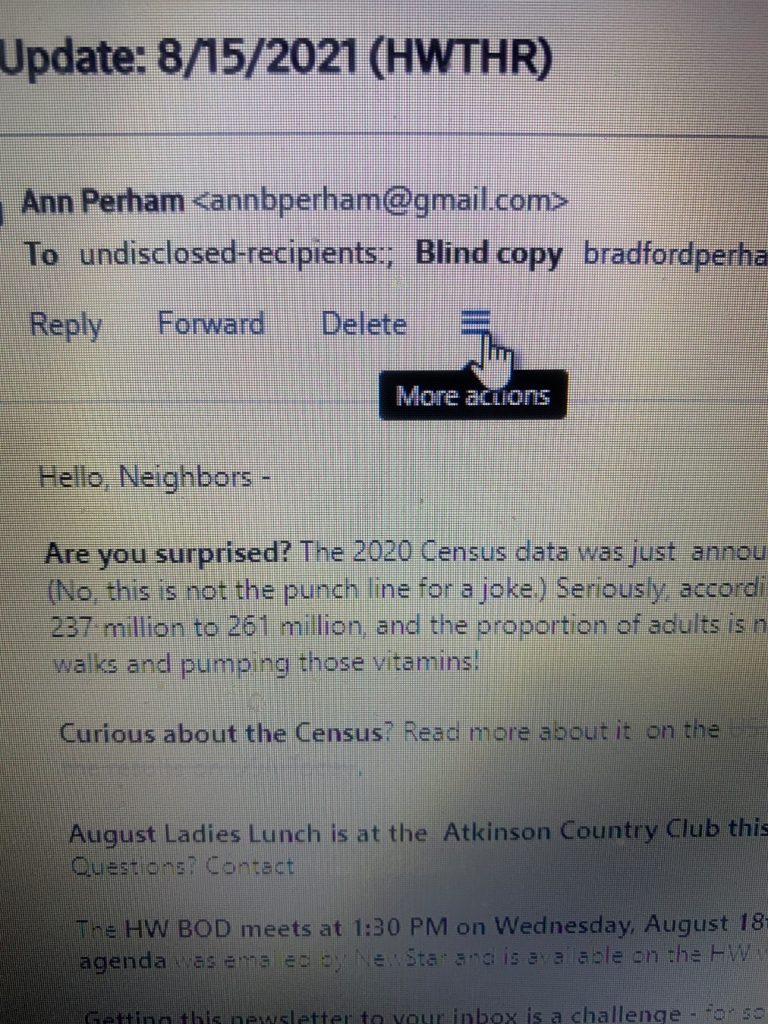
- Find the 3 bars that say “More Actions” when your cursor hovers (see below)
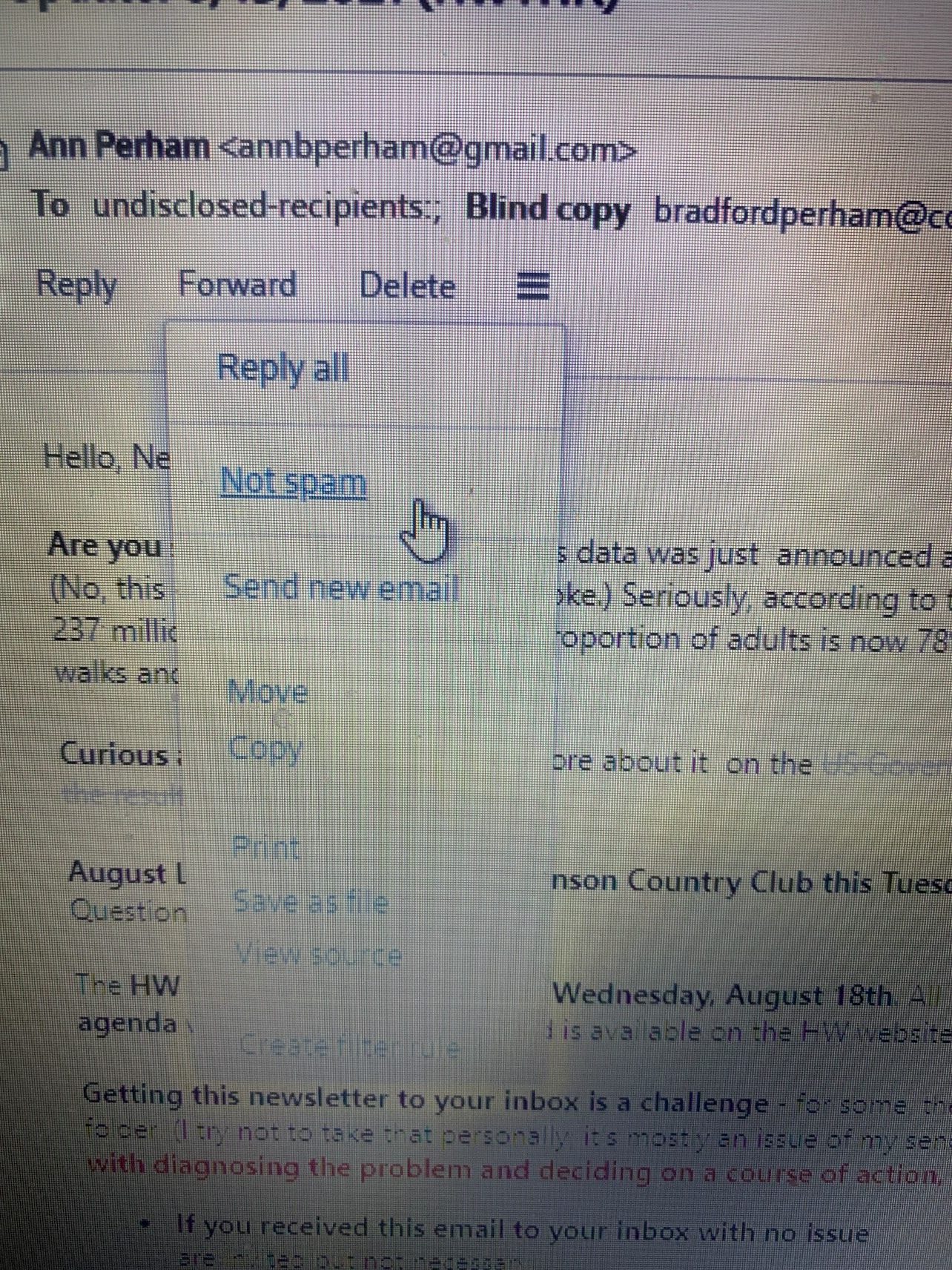
- CLICK on the 3 bars. There will be options available (see below). Scroll down to select “Not Spam” – this will restore the email to your inbox and (hopefully) teach your email filter that it’s not spam.